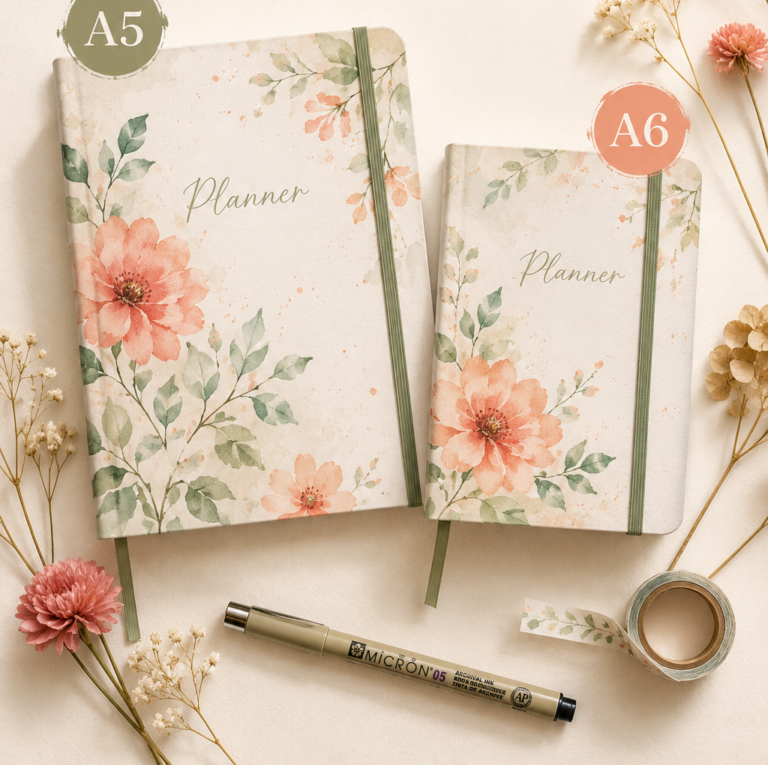
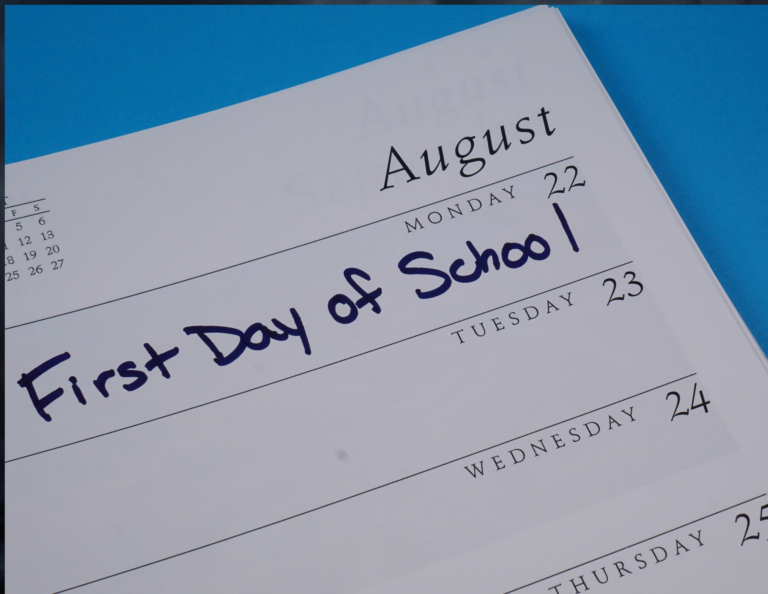
n our fast-paced digital world, the humble paper planner remains an invaluable tool for organization, productivity, and personal growth. While smartphones and digital apps offer convenience, there’s something uniquely satisfying and effective about putting pen to paper to plan your life. However, simply owning a planner isn’t enough – the key lies in how you use it.
This article explores ten innovative planner hacks that will help you transform your paper planner from a basic calendar into a powerful instrument for achieving your goals, managing your time, and staying on top of your commitments. Whether you’re a planning enthusiast or new to the world of paper planners, these techniques will help you unlock the full potential of this versatile tool and take your organizational skills to the next level.

1. Choose the Right Planner Format
Selecting the ideal planner format is crucial for maximizing its effectiveness. The two primary options are daily and weekly planners, each catering to different needs and lifestyles. Daily planners offer more space for detailed scheduling and are perfect for those with packed schedules or who prefer to break down their days into hourly segments.

Crafting Her Plans
Ready to plan it all out? We’ve got you.
Head over to the shop for printable planners and journals you can download and start using today.
Browse the shop →On the other hand, weekly planners provide a broader overview, allowing you to see your entire week at a glance, which can be beneficial for long-term planning and goal-setting.
When choosing your planner, consider additional features that can enhance its usability. Look for planners that include built-in checklists, which can be invaluable for tracking tasks and ensuring nothing falls through the cracks.
Some planners also come with sticker sheets, offering a fun and visual way to mark important dates, deadlines, or recurring events. These extra elements can significantly boost your planning experience and help you stay organized more effectively.
- Key features to look for:
- Space for daily or weekly planning
- Built-in checklists or to-do lists
- Sticker sheets for visual organization
- Goal-setting sections
- Note-taking areas
2. Set Priorities
Prioritizing tasks is essential for making the most of your planner and your time. Each day, take a moment to identify your top tasks – those that are most important or time-sensitive. Marking these priority items in your planner helps you focus on what truly matters and ensures that critical tasks don’t get overlooked in the bustle of daily activities.
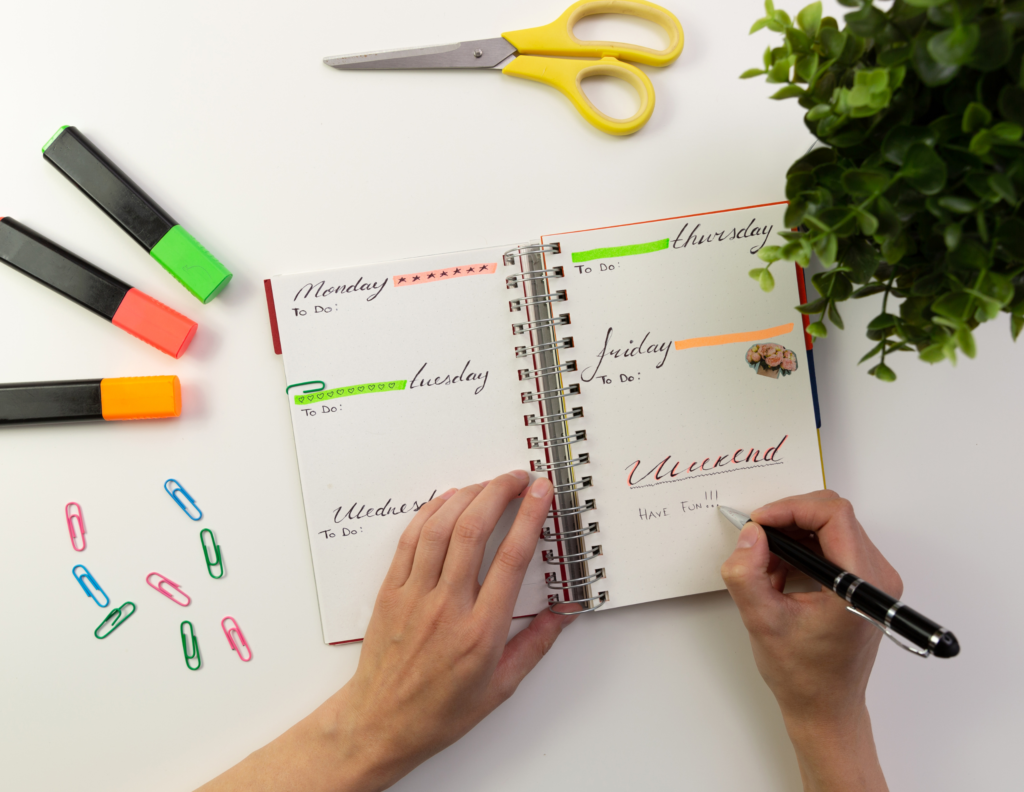
To make your priorities stand out, develop a system of symbols or color coding. For instance, you might use stars to denote high-priority tasks, circles for medium-priority items, and squares for low-priority tasks.
Alternatively, a color-coding system can be highly effective: red for urgent and important tasks, yellow for important but not urgent, and green for tasks that are neither urgent nor critically important. This visual system allows you to quickly assess your day’s priorities at a glance, helping you allocate your time and energy more efficiently.
- Priority marking ideas:
- Use star ratings (e.g., ★★★ for highest priority)
- Implement a traffic light system (red, yellow, green)
- Create custom symbols for different priority levels
- Highlight priority tasks with vibrant colors
3. Make It a Habit
Consistency is key when it comes to effective planning. To truly harness the power of your planner, make it a habit to spend a few minutes each day reviewing and updating it. This daily check-in allows you to stay on top of your schedule, adjust for any changes, and prepare for upcoming tasks or events. Morning reviews can set the tone for a productive day, while evening reviews help you reflect on your accomplishments and prepare for tomorrow.
To reinforce this habit, keep your planner visible and easily accessible. Place it on your desk, nightstand, or wherever you’re most likely to see and use it regularly. Some people find it helpful to pair their planner review with another daily habit, such as having morning coffee or winding down before bed. By integrating planner use into your daily routine, you’ll ensure that it becomes an indispensable tool for managing your time and achieving your goals.
- Tips for building the planner habit:
- Set a daily alarm as a reminder to review your planner
- Keep your planner in a prominent, easily accessible location
- Pair planner review with an existing daily habit
- Start with small, manageable planning sessions and gradually increase duration
4. Utilize Sticky Notes and Removable Stickers
Sticky notes and removable stickers are versatile tools that can add flexibility to your planning system. They’re particularly useful for recurring tasks or reminders that you might need to move around as your schedule changes. For instance, you could use a sticky note to jot down a weekly team meeting and easily transfer it from one week to the next without rewriting the information.
These removable tools also allow you to add temporary information or tasks to your planner without cluttering up the main pages. This can be especially helpful for tentative appointments or ideas you’re still considering. By using sticky notes, you can keep your planner clean and organized while still accommodating the fluid nature of many schedules and to-do lists.
- Creative uses for sticky notes and removable stickers:
- Create a “floating” task list that can move between days
- Mark important dates with eye-catching, removable stickers
- Use color-coded sticky notes for different categories of tasks or events
- Create a “maybe” section with tasks you’re considering but haven’t committed to

5. Incorporate Washi Tape for Mistakes
Mistakes happen, but they don’t have to mar the appearance of your planner. Washi tape, a decorative adhesive tape, is an excellent tool for covering up errors while maintaining a clean and attractive look. Instead of crossing out mistakes with unsightly lines, simply cover them with a strip of washi tape. This not only conceals the error but also provides a fresh surface to write on.
Beyond error correction, washi tape can be used creatively to enhance your planner’s aesthetics and functionality. Use it to create dividers between different sections of your day, highlight important events, or even create tabs for easy navigation between months or categories. The wide variety of colors and patterns available in washi tape allows you to personalize your planner while keeping it organized and visually appealing.
- Creative uses for washi tape in your planner:
- Cover up mistakes and rewrite over them
- Create colorful page dividers or section markers
- Highlight important dates or events
- Make custom tabs for quick navigation
- Use as a decorative element to brighten up your pages
6. Color Code Your Entries
Color coding is a powerful visual organization tool that can dramatically improve the functionality of your planner. By assigning specific colors to different types of activities or areas of your life, you create a system that allows you to quickly identify and categorize your tasks and events at a glance. This method not only makes your planner more visually appealing but also enhances its efficiency as a time management tool.
To implement color coding, choose a set of colors and assign each to a specific category. For example, blue could represent work-related tasks, green for personal errands, red for deadlines, and purple for social events. Be consistent with your color choices to build familiarity with your system over time. You can use colored pens, highlighters, or even colored stickers to mark your entries. This approach helps you quickly assess the balance of activities in your day or week and ensures that important tasks or events stand out clearly.
- Suggested color coding categories:
- Work tasks and meetings
- Personal appointments and errands
- Health and fitness activities
- Social events and gatherings
- Learning and development tasks
- Family responsibilities
7. Create a Current Projects List
Maintaining a dedicated section for ongoing projects in your planner can significantly improve your ability to manage complex, multi-step tasks. This “Current Projects” list serves as a centralized hub for tracking progress on longer-term goals or initiatives that don’t fit neatly into daily or weekly to-do lists. By keeping this information readily accessible, you ensure that important projects don’t fall by the wayside amidst daily tasks.
To set up your Current Projects list, allocate a few pages in your planner specifically for this purpose. For each project, note its title, key objectives, major milestones, and any relevant deadlines. Regularly review and update this list, crossing off completed milestones and adding new steps as projects evolve. This approach allows you to maintain a big-picture view of your ongoing commitments while still focusing on day-to-day tasks in your main planner sections.
- Elements to include in your Current Projects list:
- Project title and brief description
- Key objectives and desired outcomes
- Major milestones and deadlines
- Resources needed or allocated
- Next actionable steps
- Status updates and progress notes
8. Schedule Appointments with Yourself
In the hustle of daily life, it’s easy to neglect personal time for reflection, planning, and self-care. Combat this by regularly scheduling appointments with yourself in your planner. These self-appointments are dedicated times for activities that contribute to your personal growth, well-being, or long-term goals. They can range from planning sessions to assess your progress and adjust your goals, to quiet time for reflection or meditation.
Treat these self-appointments with the same level of importance as you would any other meeting or commitment. Block out the time in your planner and honor it as you would a work obligation or social engagement. These regular check-ins with yourself can help you stay aligned with your goals, maintain work-life balance, and ensure that you’re making time for personal development amidst your busy schedule.
- Ideas for self-appointments to schedule:
- Weekly planning and goal-setting sessions
- Monthly progress reviews
- Personal development time (reading, learning new skills)
- Self-care activities (exercise, meditation, hobbies)
- Quarterly or annual life assessment and goal adjustment
9. Personalize Your Planner
Your planner is more than just a tool for organization; it’s a reflection of your personality and a source of daily inspiration. Personalizing your planner can make it more enjoyable to use and increase your motivation to engage with it regularly. Adding personal touches transforms your planner from a simple scheduling tool into a cherished companion that supports and inspires you throughout your day.
Consider adding elements that resonate with you personally. This could include photos of loved ones or places you aspire to visit, postcards from memorable trips, or inspirational quotes that motivate you. You might also include small mementos, like ticket stubs or pressed flowers, to commemorate special moments. The key is to create a planner that not only helps you stay organized but also brings you joy and inspiration every time you open it.
- Ideas for personalizing your planner:
- Add photos or small mementos to mark special dates
- Include inspirational quotes or affirmations
- Use decorative washi tape or stickers to enhance the visual appeal
- Create a vision board on one of the pages
- Add a personal touch to the cover with stickers or decorative elements
10. Use Clear Dividers
For those using binder-style planners, clear dividers are an invaluable tool for enhancing organization and ease of use. These transparent separators allow you to quickly navigate between different sections of your planner without adding visual clutter. Unlike opaque dividers, clear ones enable you to see the content of your pages even when the planner is closed, making it easier to find what you need at a glance.
When setting up your clear dividers, consider categorizing your planner into sections that align with your lifestyle and planning needs. Common divisions might include monthly calendars, weekly spreads, goal-tracking pages, and note-taking sections. Label each divider clearly, and consider using color-coded tabs or stickers on the edges for even quicker navigation. This systematic approach to organizing your planner can significantly reduce the time spent flipping through pages and help you maintain focus on your planning and productivity.
- Suggested sections to create with clear dividers:
- Monthly overview calendars
- Weekly or daily planning pages
- Goals and project planning
- Notes and brainstorming
- Habit trackers
- Contact information or important reference data
The Best Planner Hacks in Action
Mastering the art of using a paper planner is a journey of personal discovery and continuous improvement. The ten planner hacks we’ve explored – from choosing the right format and setting priorities to personalizing your planner and creating dedicated project lists – offer a comprehensive toolkit for enhancing your planning experience.
Remember, the most effective planner is one that you consistently use and enjoy. Experiment with these techniques, adapt them to your unique lifestyle and preferences, and don’t be afraid to get creative. Your planner is more than just a scheduling tool; it’s a reflection of your goals, dreams, and the life you want to lead. By implementing these hacks and making your planner an integral part of your daily routine, you’ll not only stay organized and productive but also create a tangible record of your journey towards your aspirations.
Embrace the process, celebrate your progress, and watch as your paper planner becomes an indispensable companion in navigating the complexities of modern life and achieving your full potential.